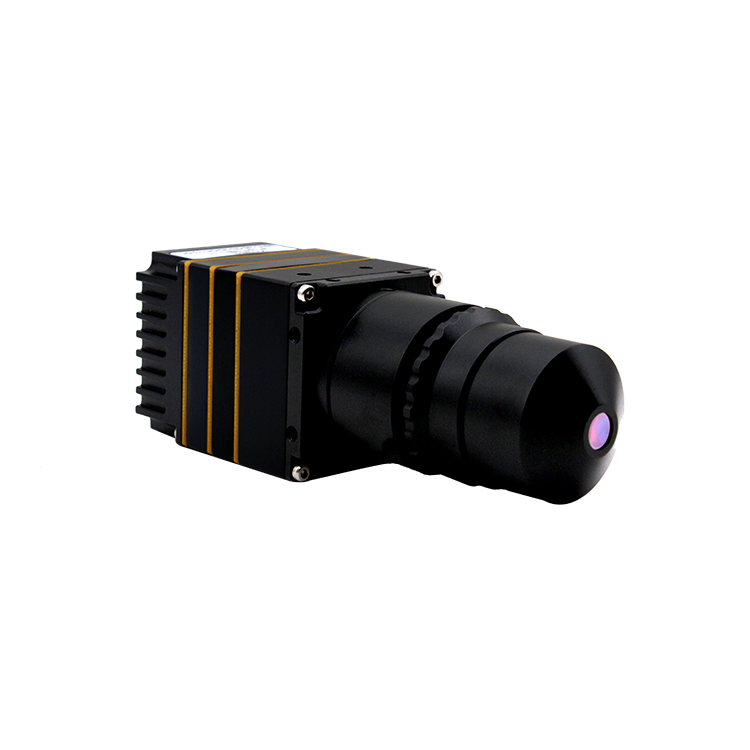
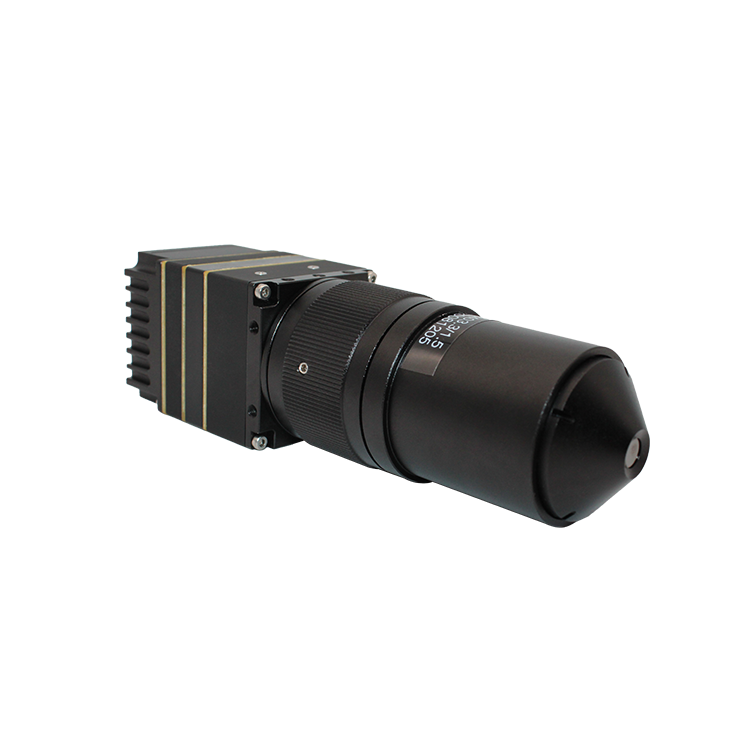
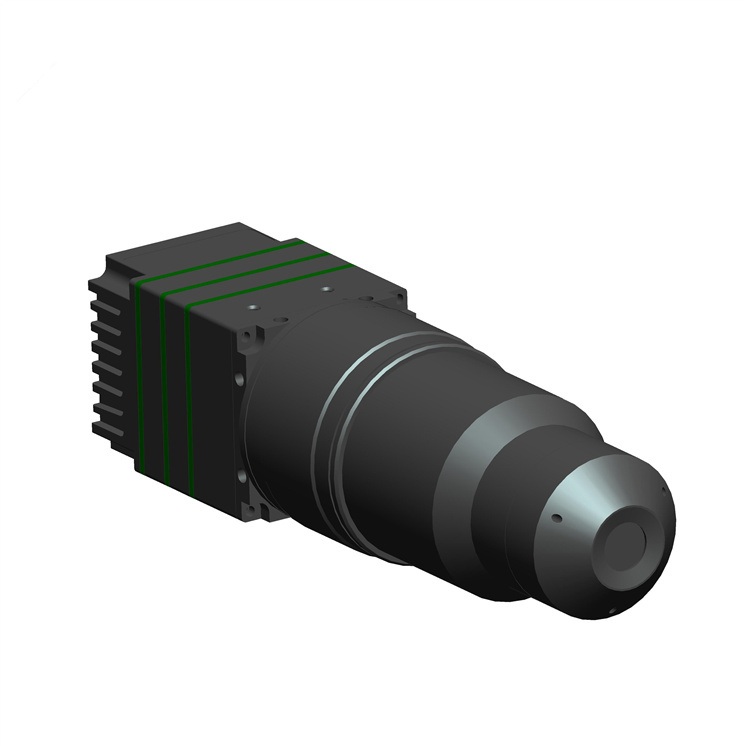
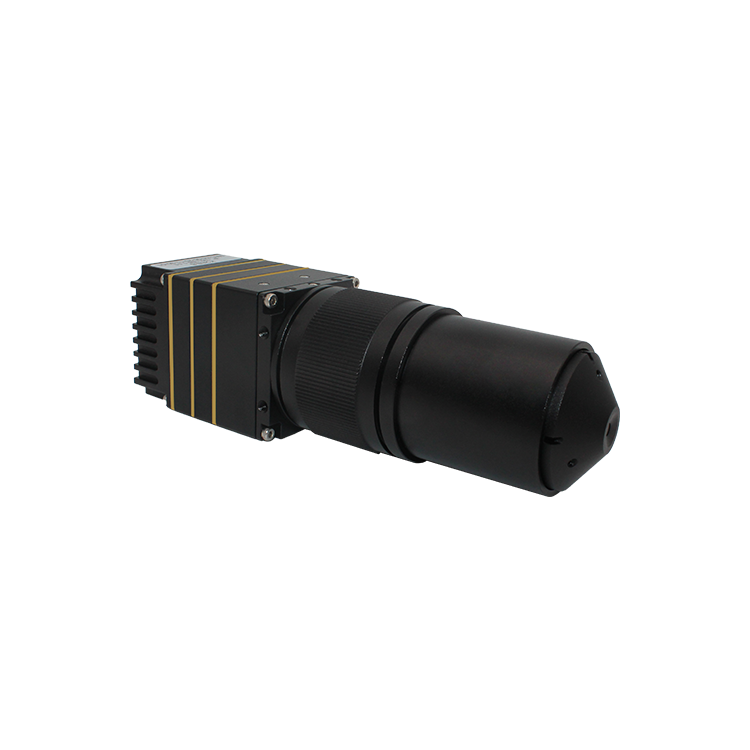
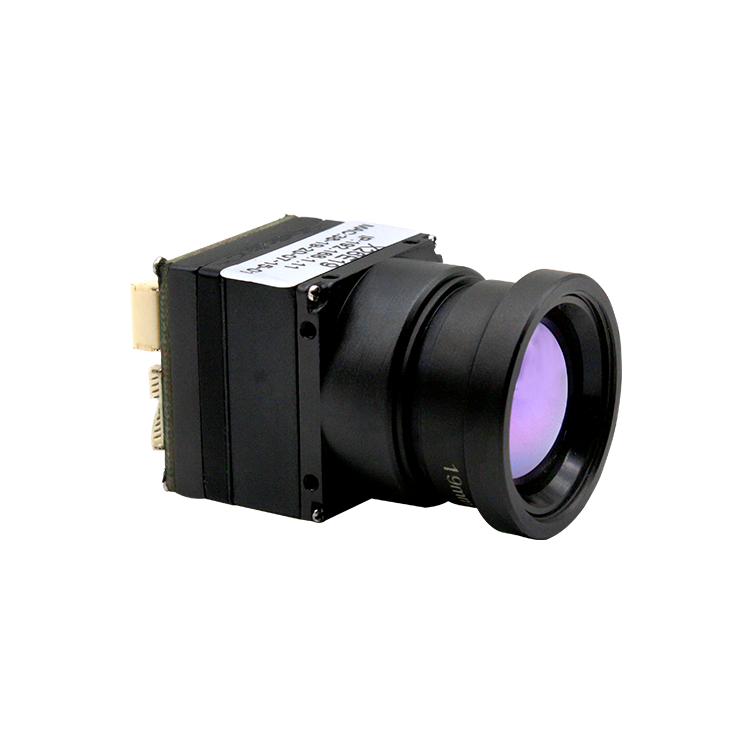
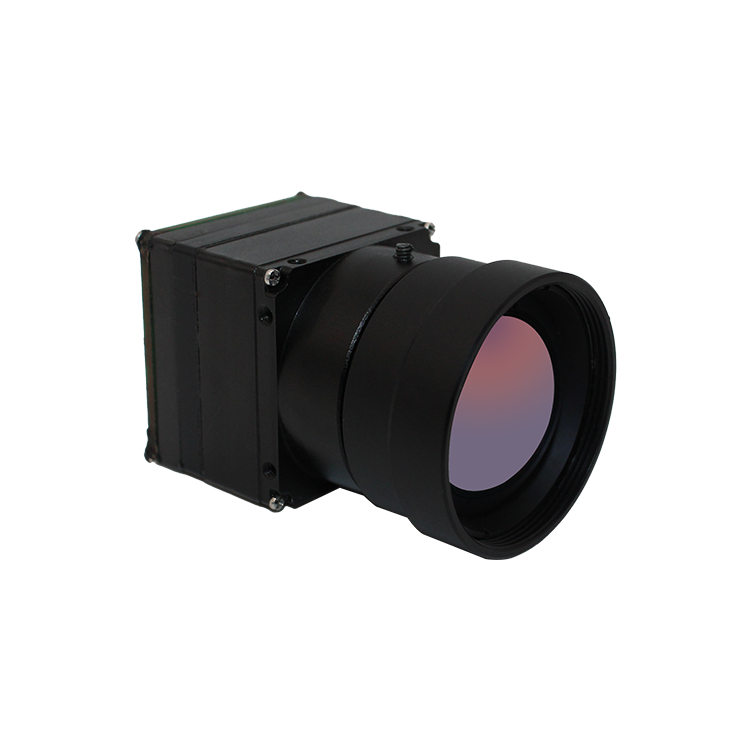
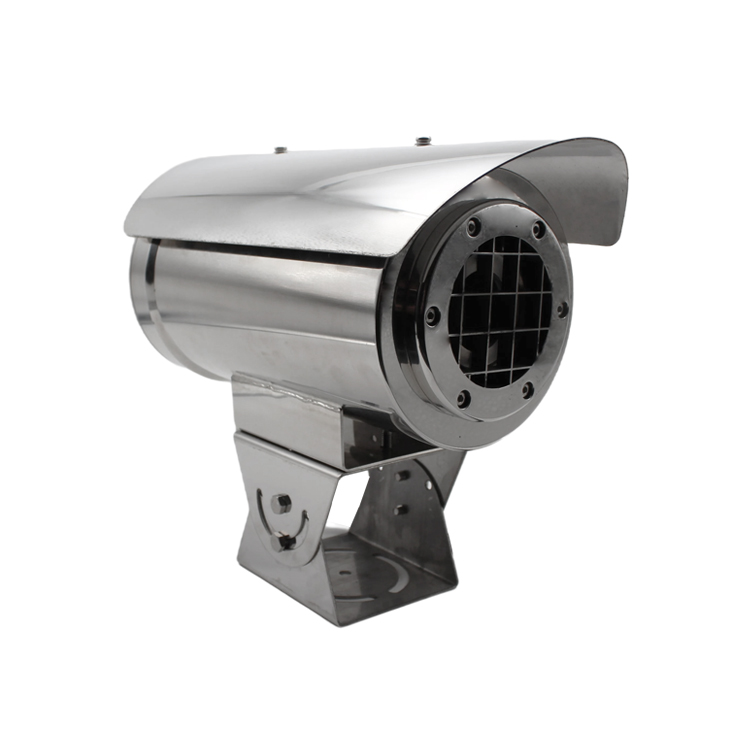
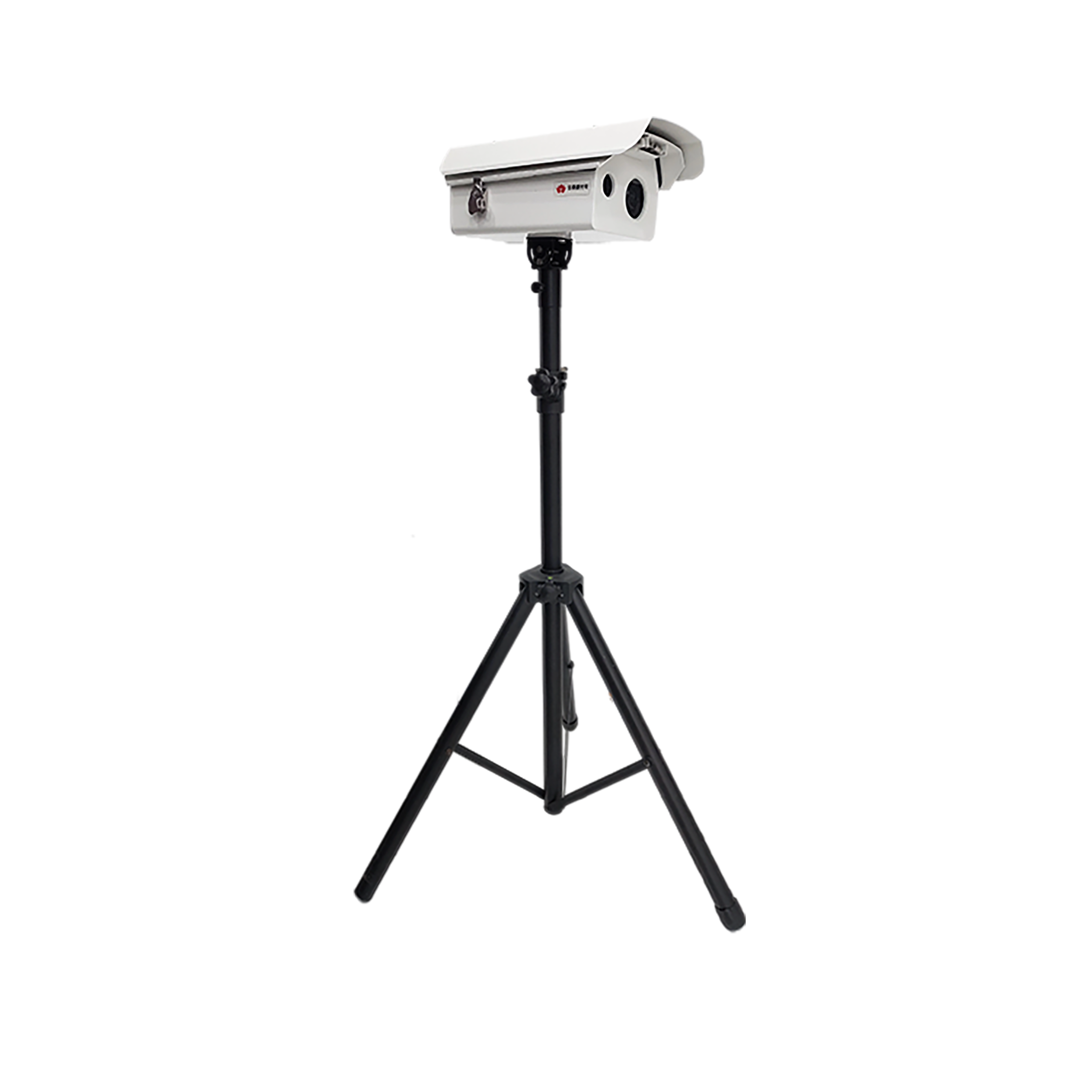
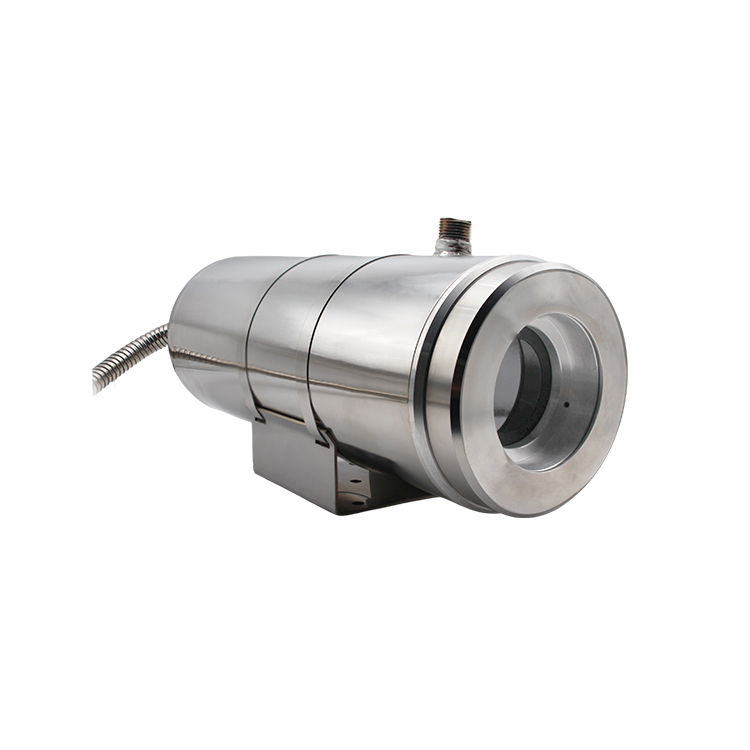
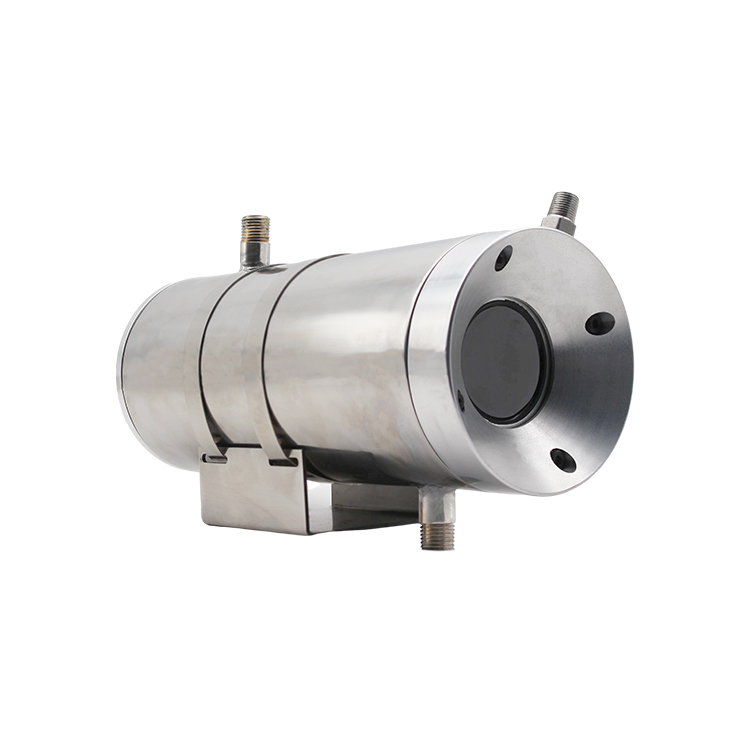
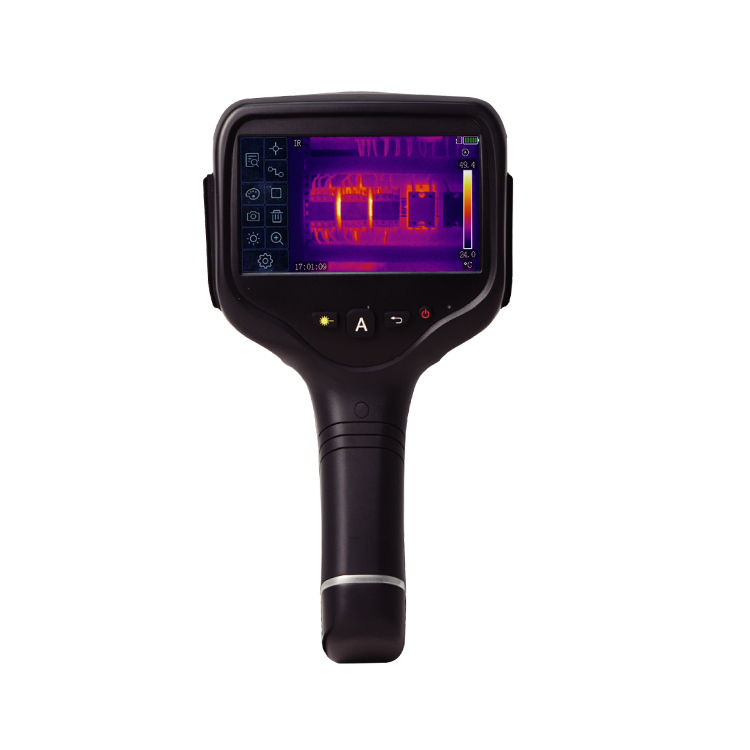
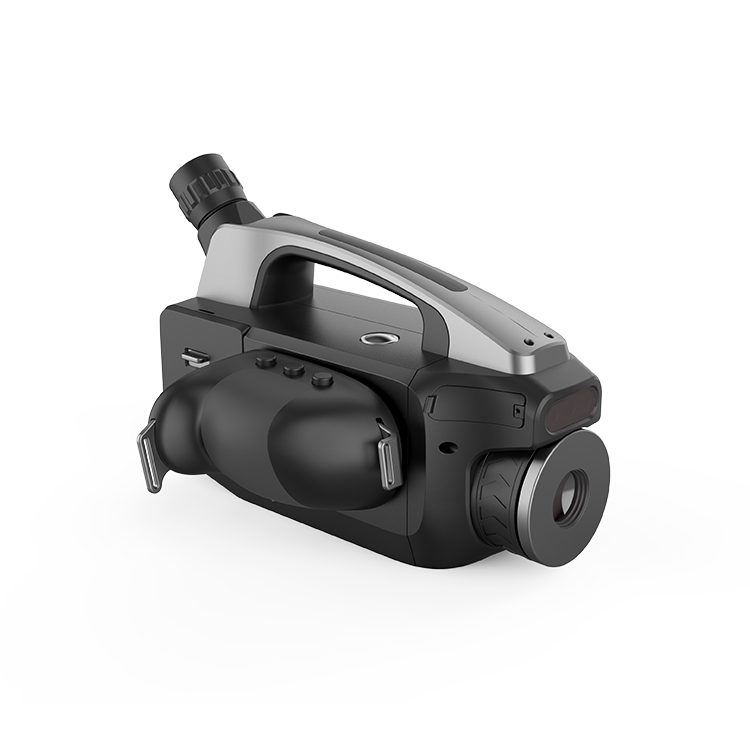
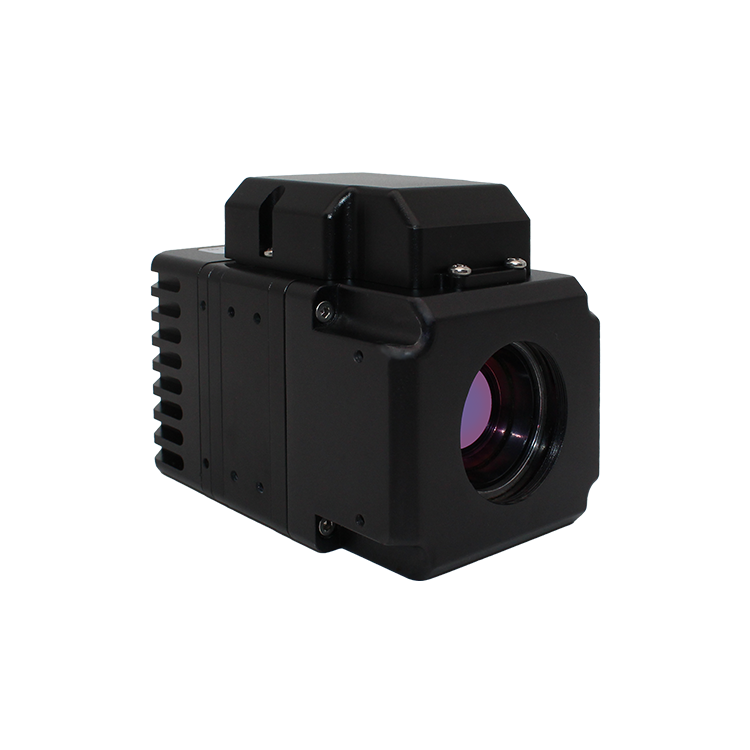
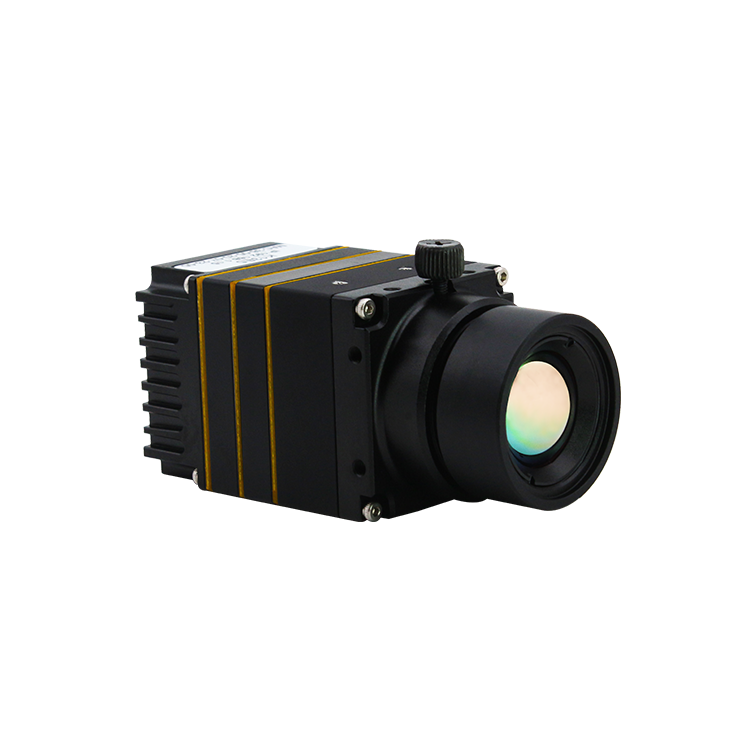
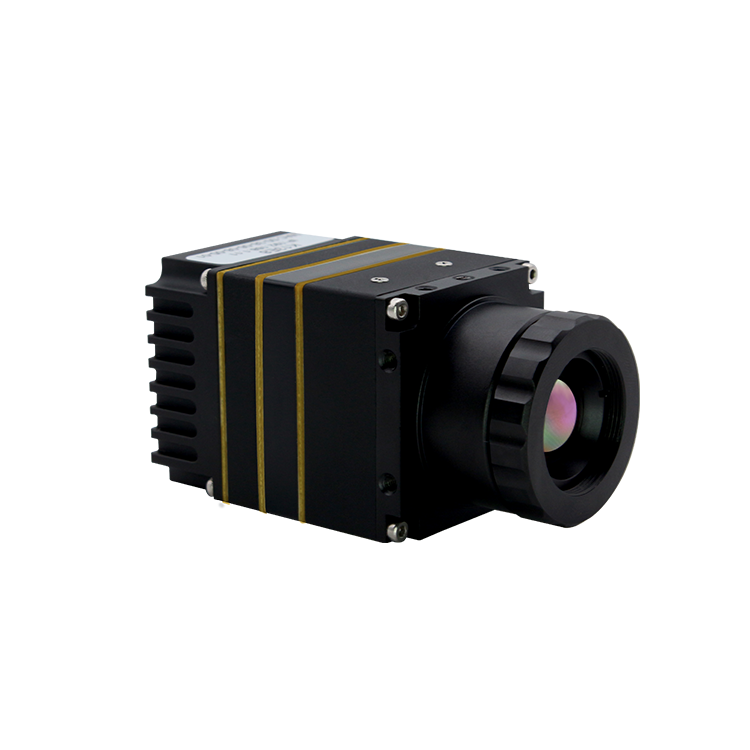
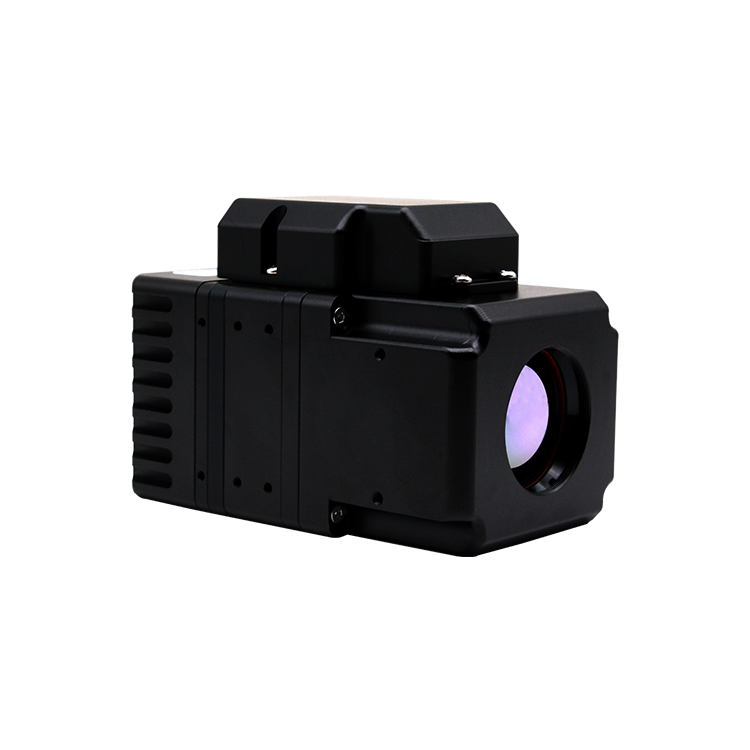
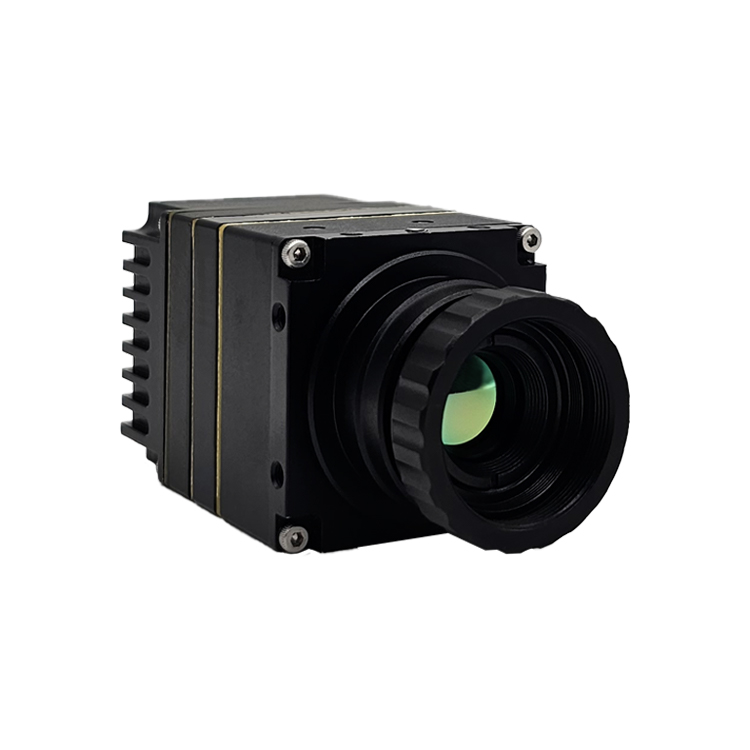
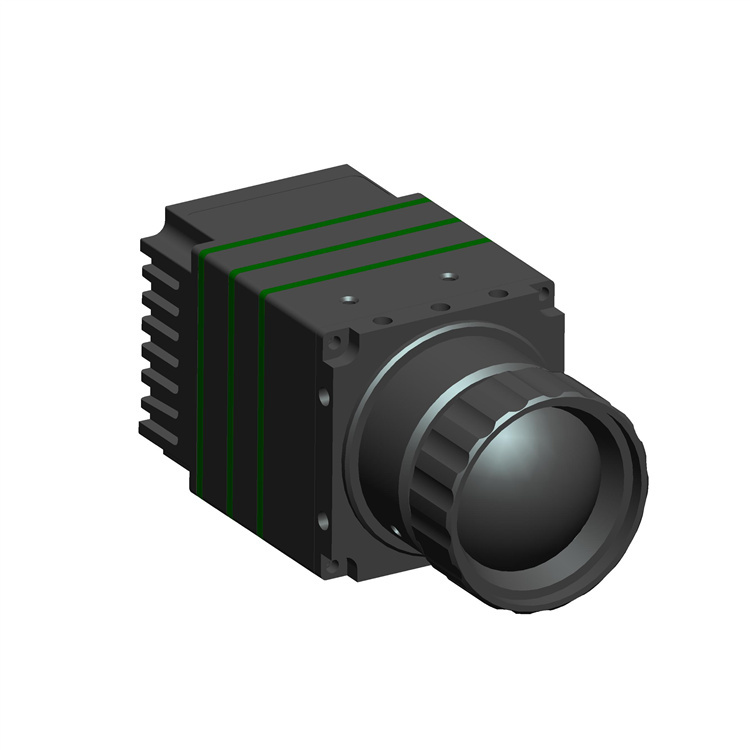
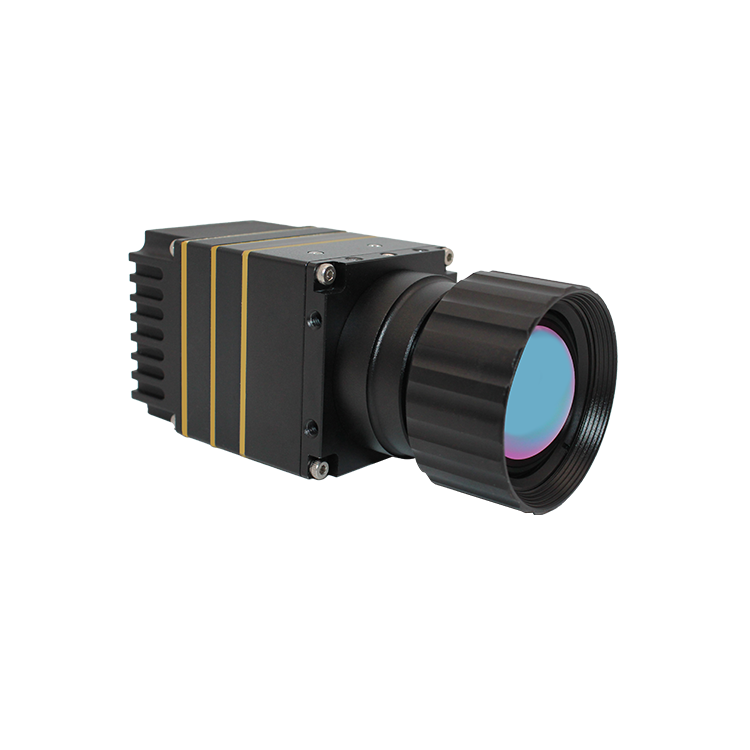
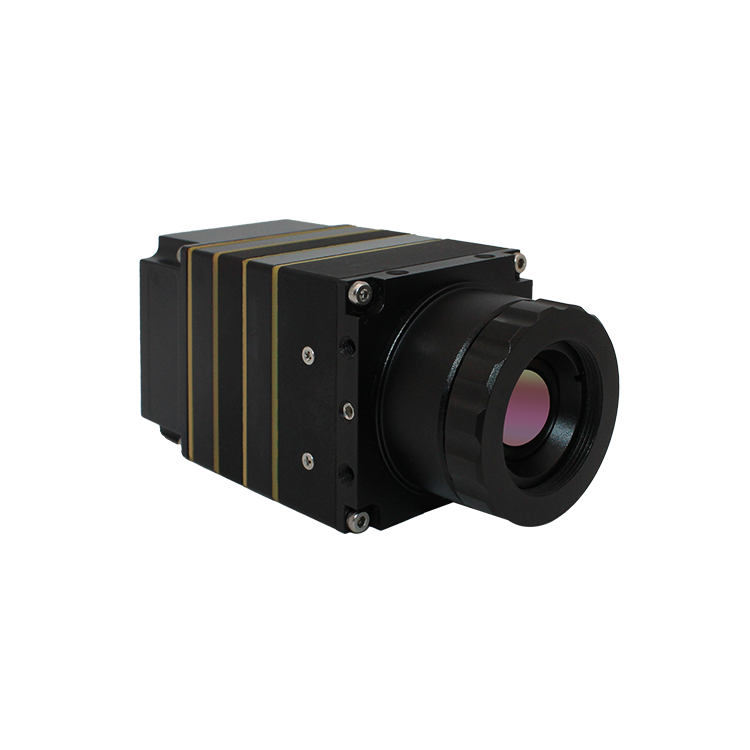
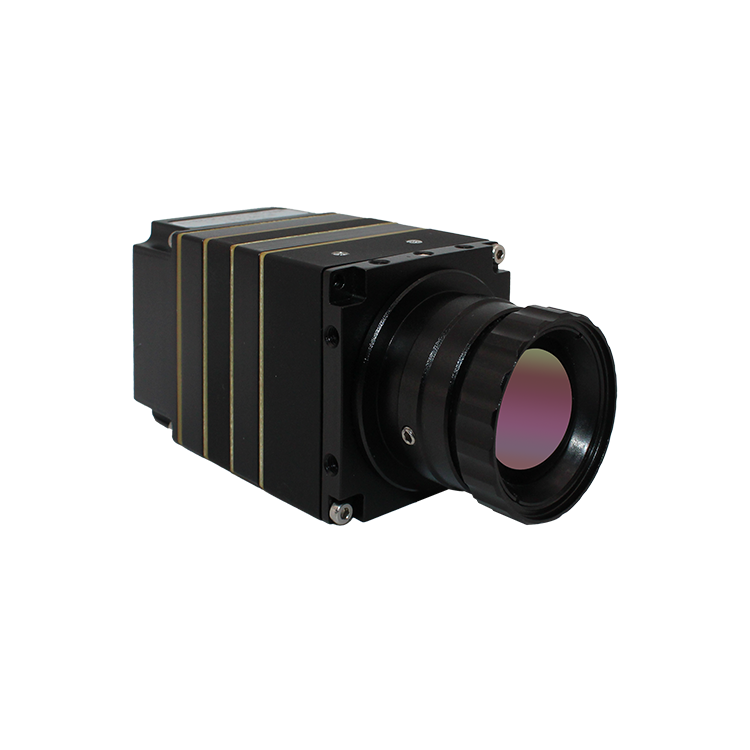
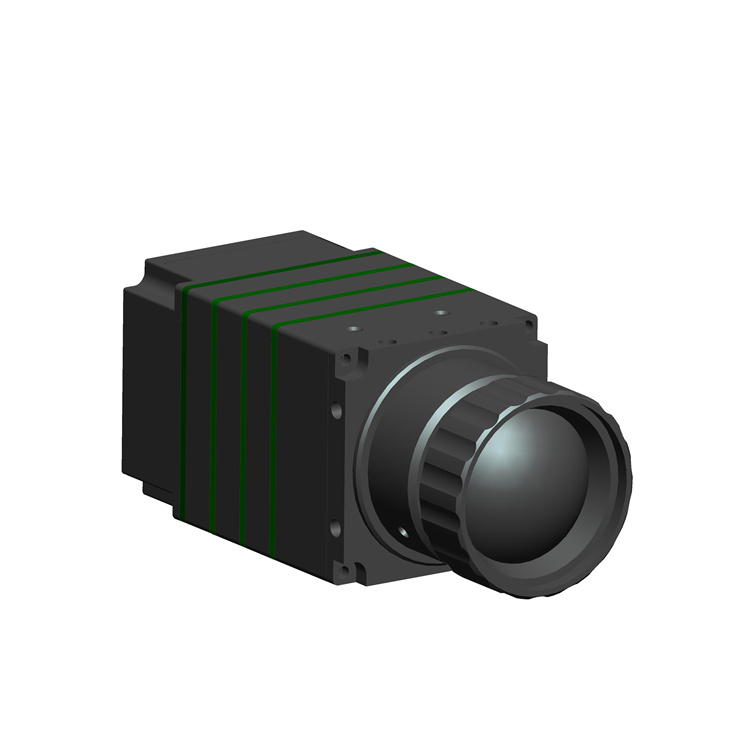
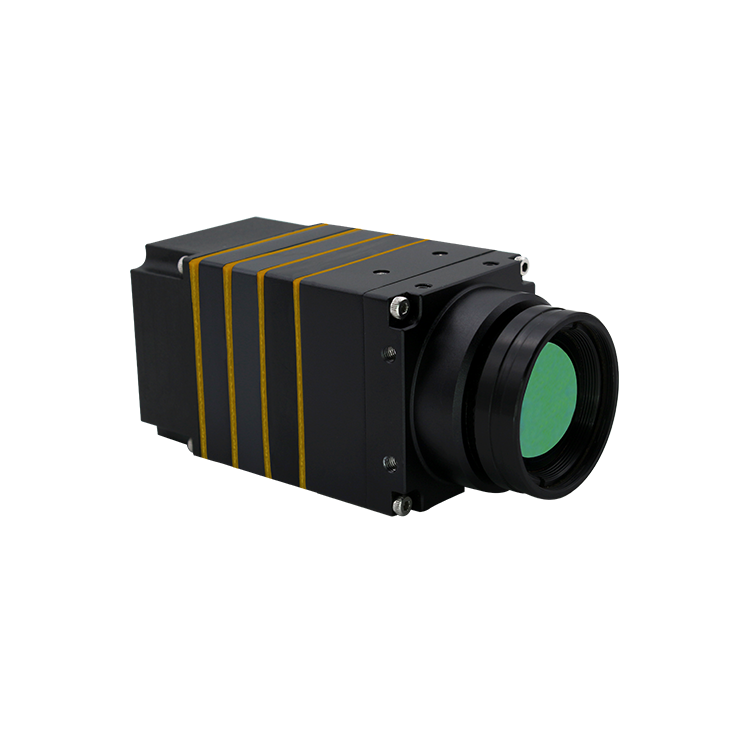
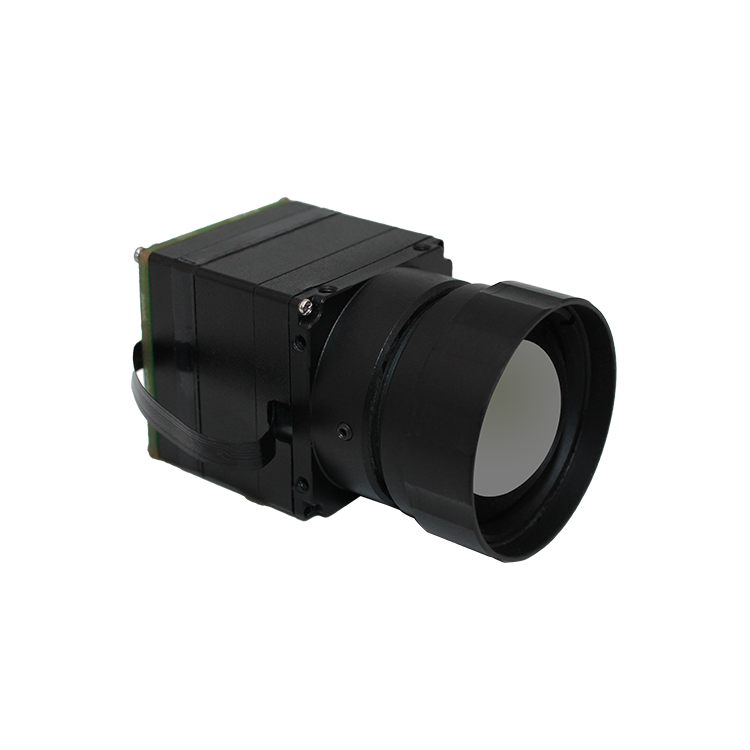
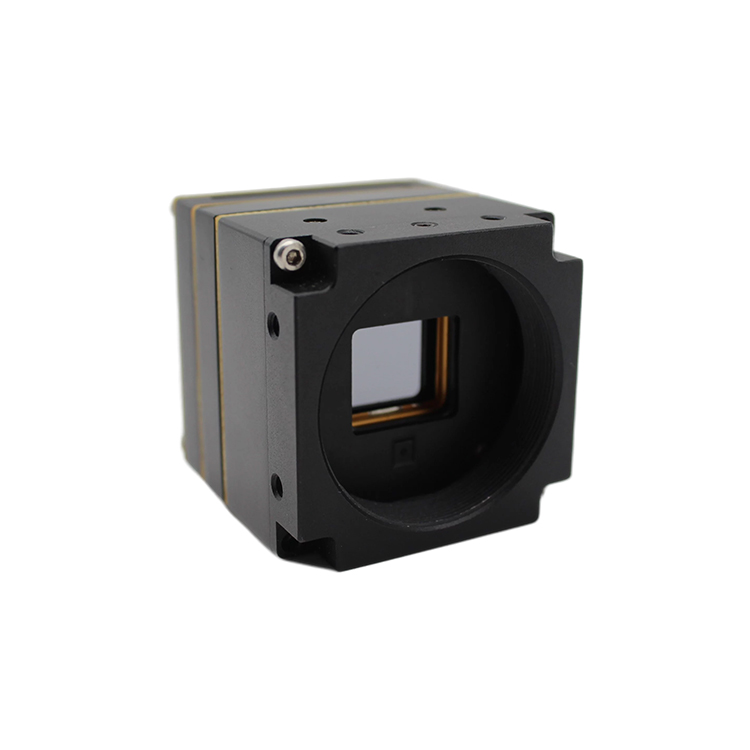
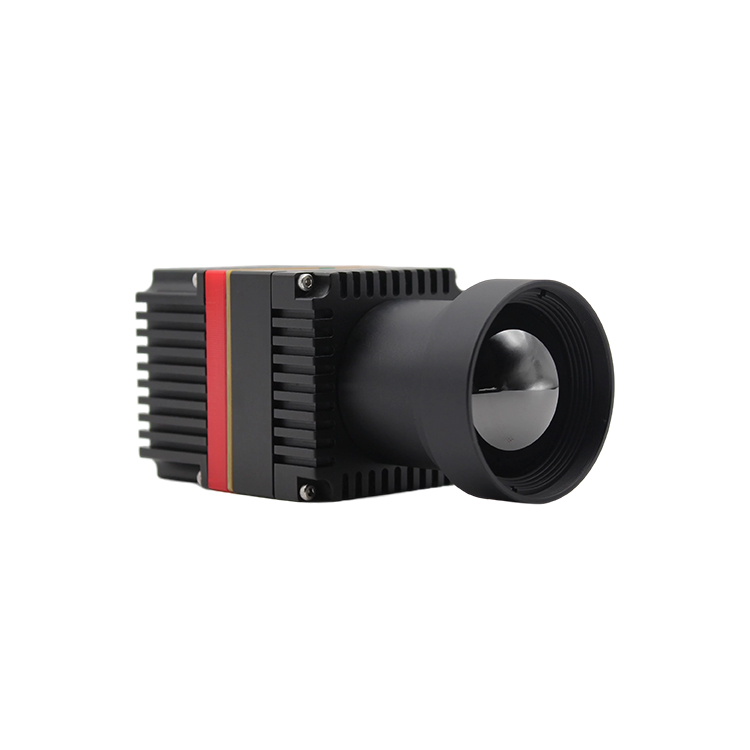
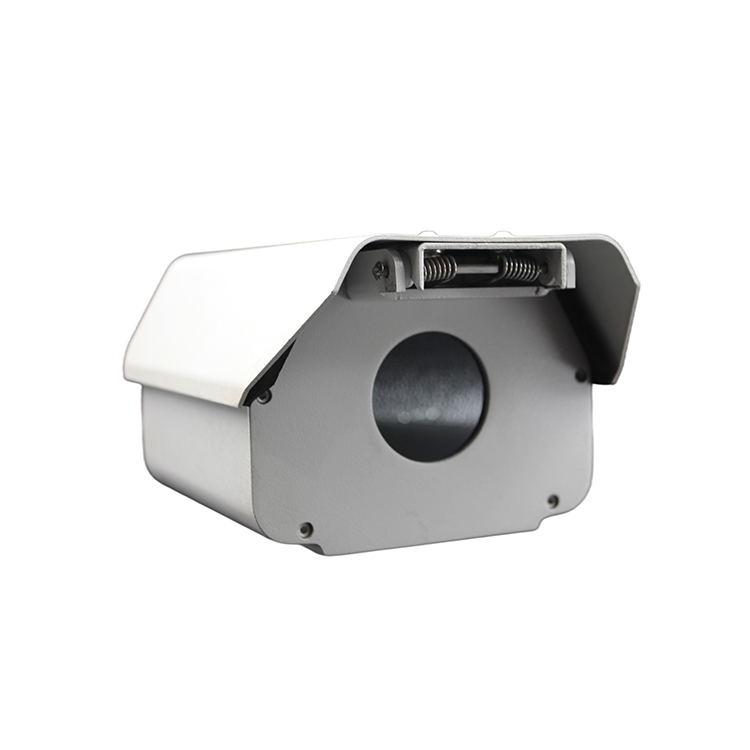
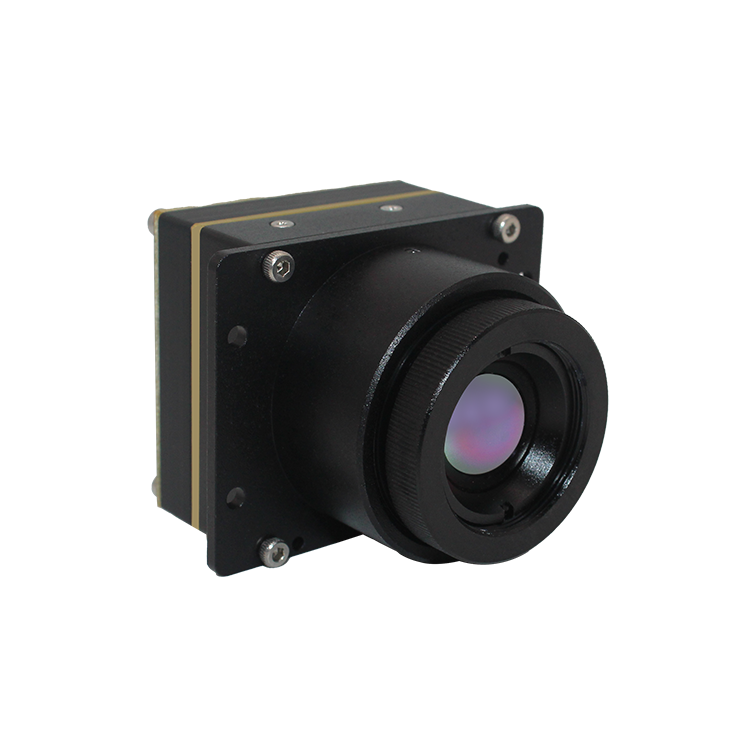
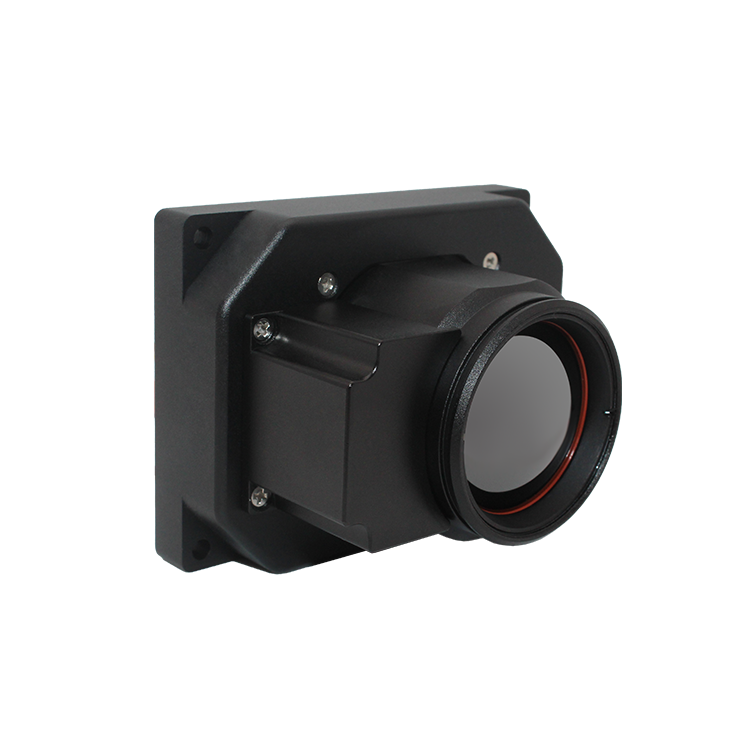
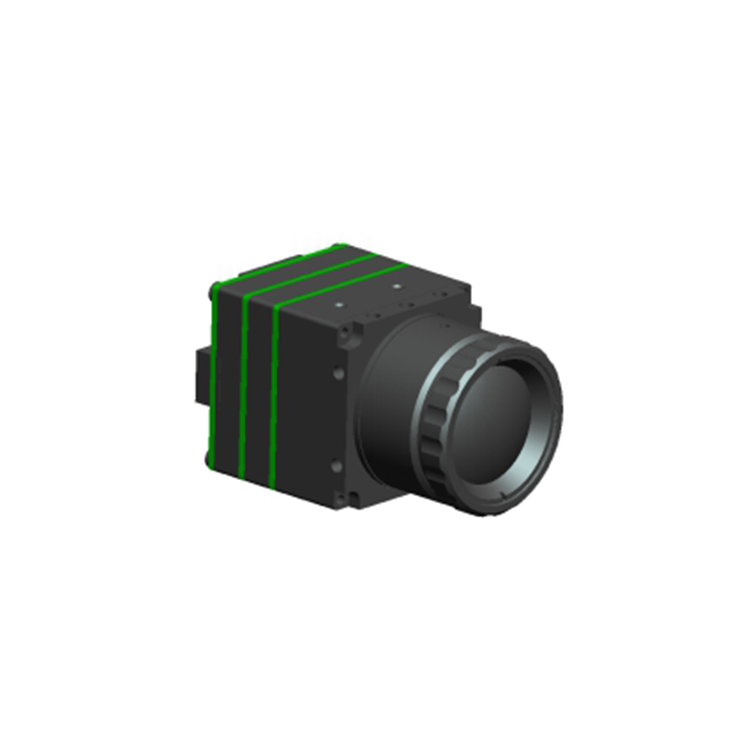
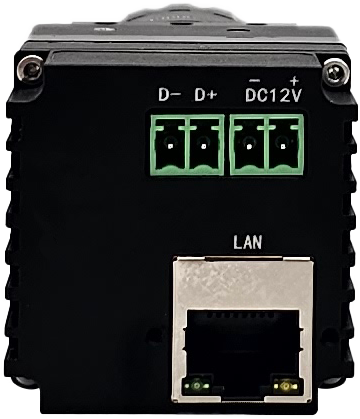
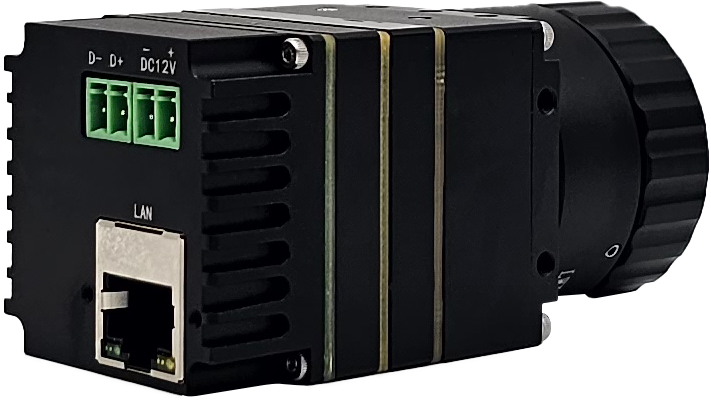
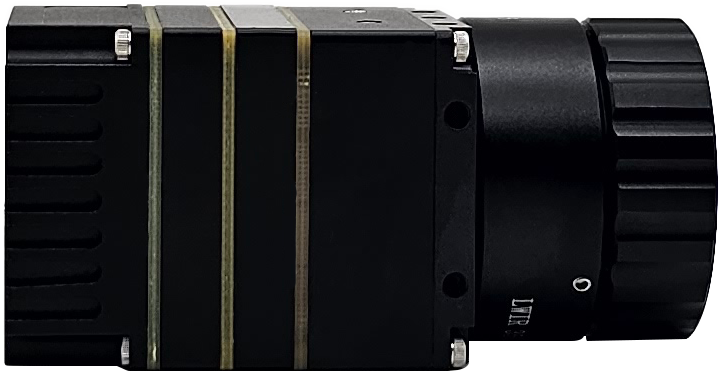
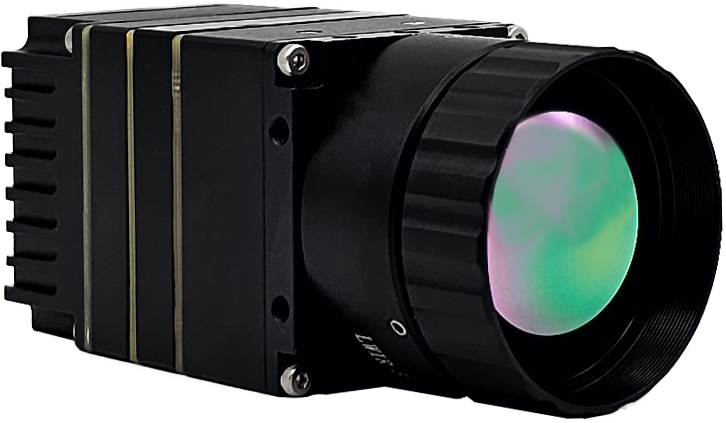
KM46C 红外火焰测温成像仪

KM46C 红外火焰测温成像仪

Product Profile

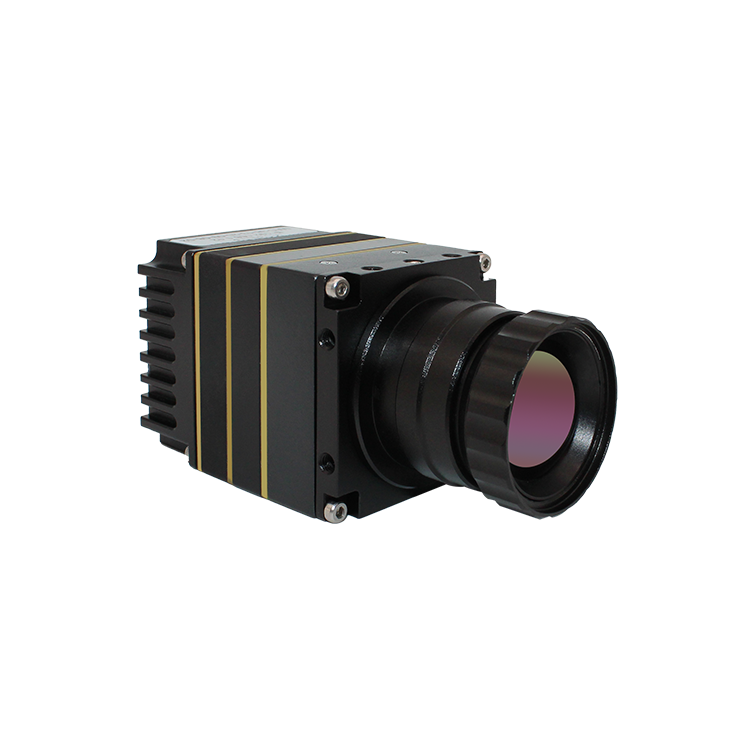
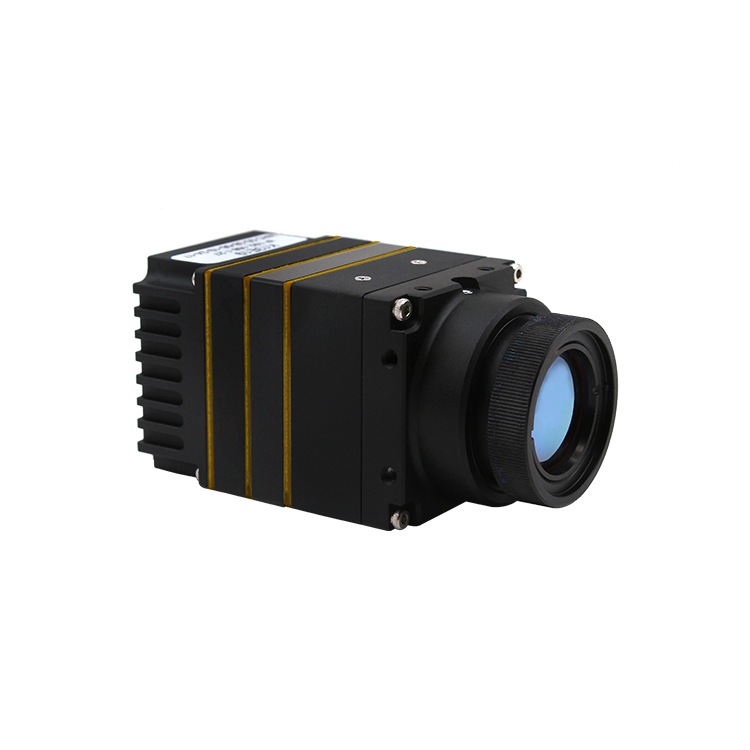
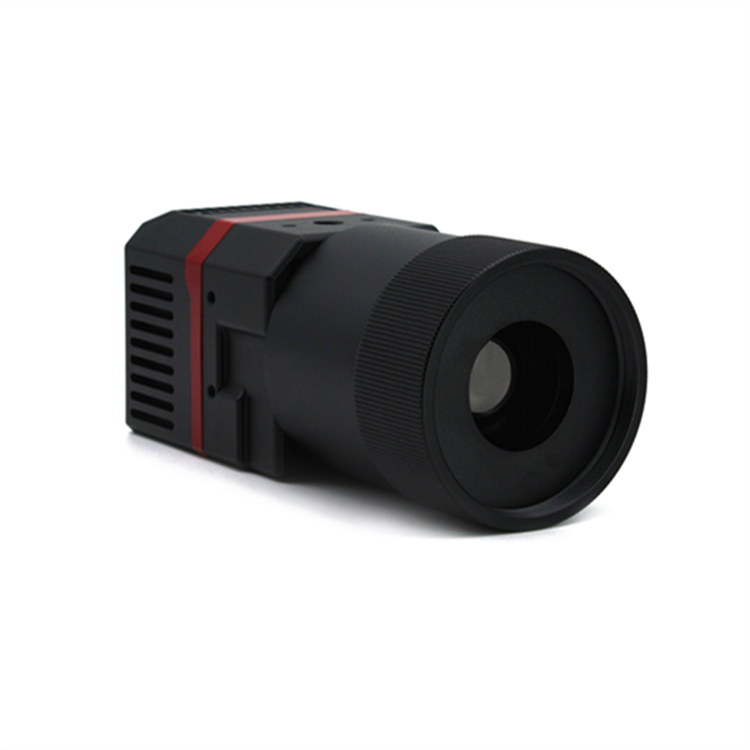
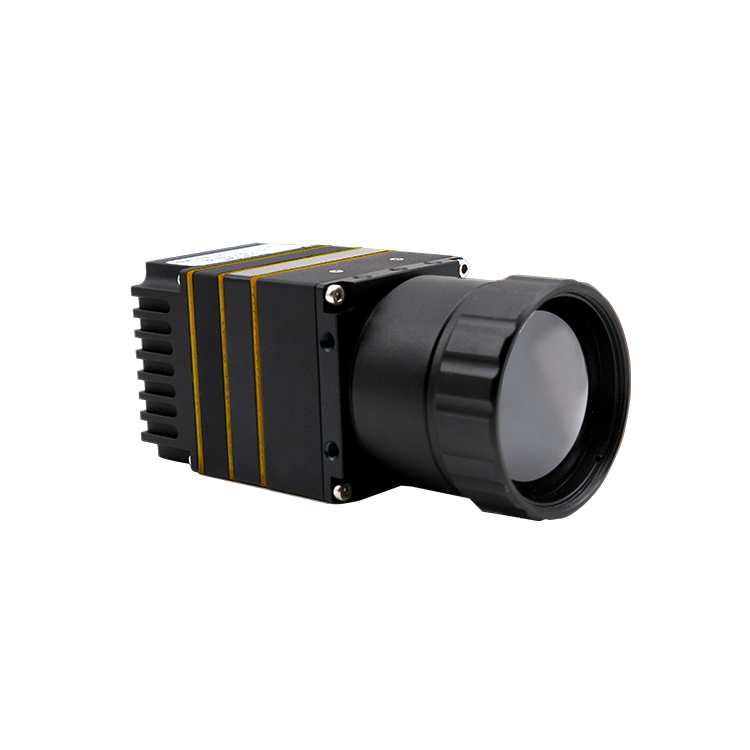
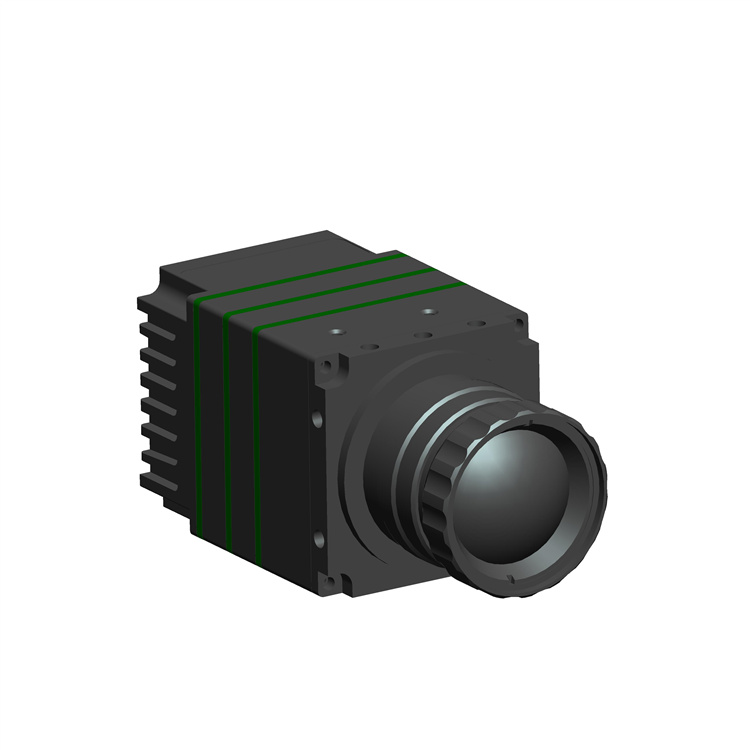
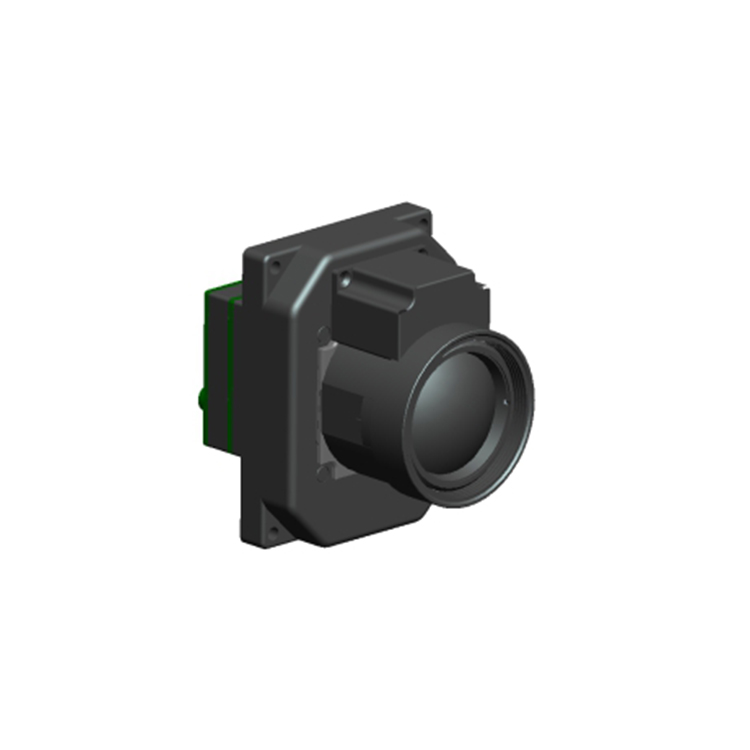
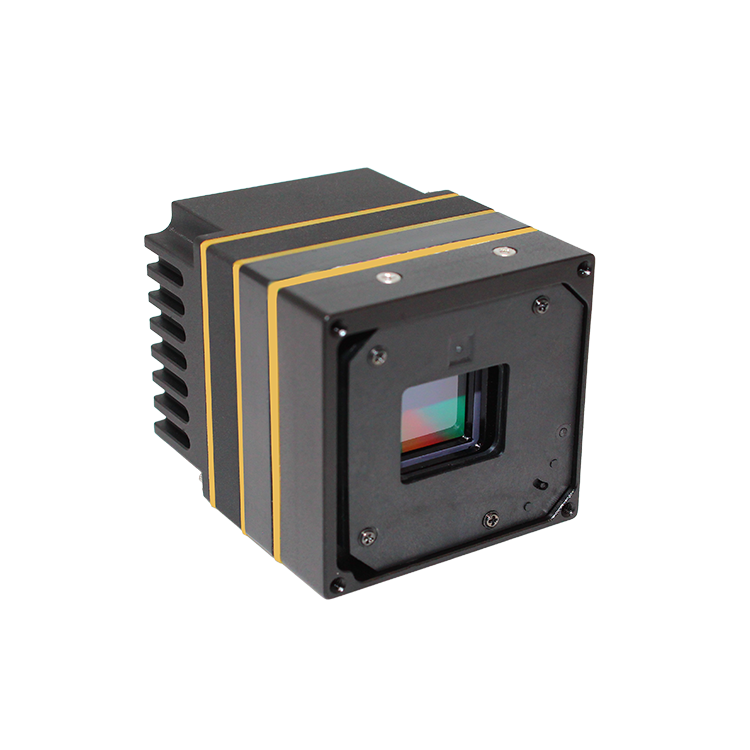
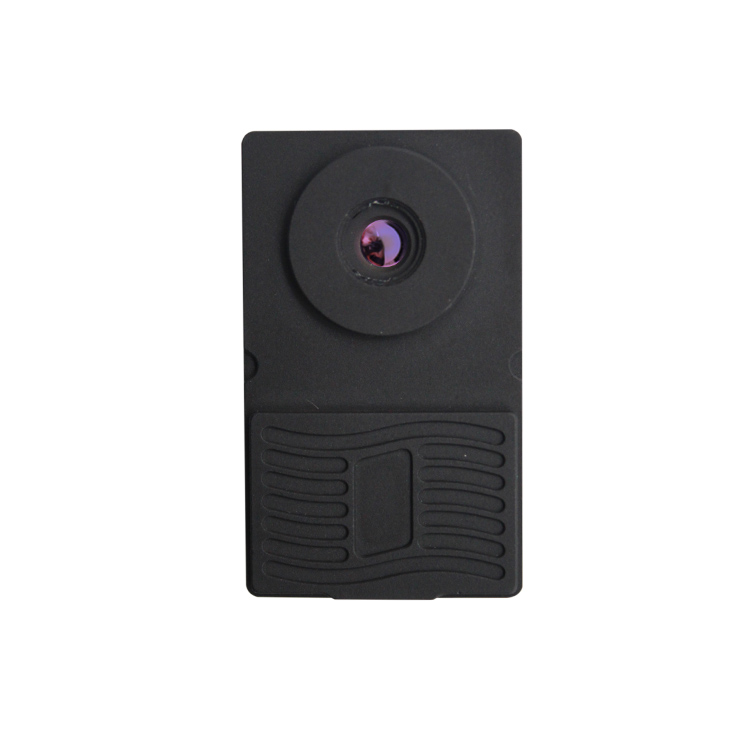
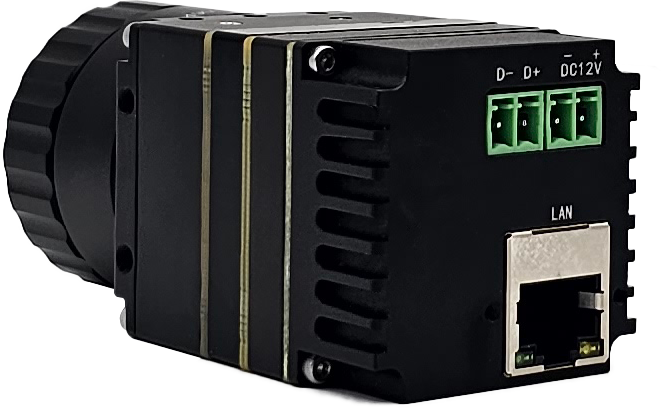
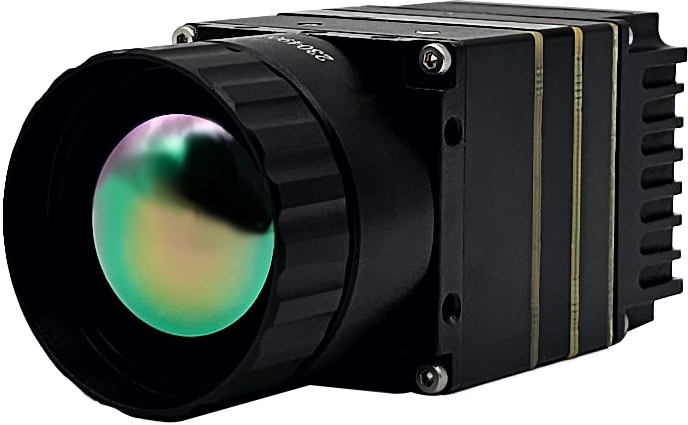
KM46C 在线式红外火焰测温成像仪采用非制冷红外热辐射计、高性能红外镜头和信号处理电路,并嵌入先进的图像处理算法,具备体积小、功耗低、启动快速、成像质量优异、测温精准等特点。

KM46C 在线式红外火焰测温成像仪的器件选型充分考虑高低温工作性能的要求,保证整机工作有优异的环境适应性能。

Functional Characteristics

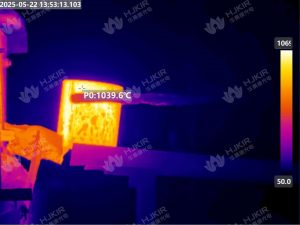
1、测量波长 4.5 μm ,专门用于火焰温度测量成像;

2、采用高帧频设计,测量频率可达 50Hz;

3、最大测温范围可达 2000℃;

4、输出全码流无损 16Bit 温度数据,提供客户端软件及 SDK 开发包,便于客户进行二次开发和系统集成,充分对被测目标进行个性化温度分析。


IR Detector
Detector Type中波非制冷焦平面微测辐射热计
Resolution640×512
Spectral Range4.5μm
NETD≤1k@600℃
Frame Rate≤ 50Hz (configurable)
Image Processing And Display
PaletteA variety of color palettes, including white heat, black heat, iron red, rainbow, etc
Contrast And Brightness自动 /  手动
Data Format16Bit 温度数据(全码流)
Temperature Measurement Analysis
Temperature Measurement Accuracy±2℃ or ±2%
Measuring Range

范围 1 :600℃~1600℃

范围 2 :1000℃~2000℃

Electrical Characteristics
Data InterfaceRJ45
Web StandardGigE
Protocol SupportUDP
Input Power Supply VoltageDC12V
Communication InterfaceUART@RS485
Steady State Power Consumption<4W
Reverse Connection ProtectionHave
Overvoltage And Undervoltage ProtectionHave
Environmental Parameters
Operation Temperature-20℃~60℃
Storage Temperature-40℃~70℃
Resistance To Temperature Shock5℃/min(-40℃~60℃)
Vibration Resistance4.3g ,x 、y 、z 轴每轴 2 小时
Shock Resistance加速度 30g ,半正弦波,脉冲宽度 6ms ,安装使用方向冲击 3 次
Humidity≤ 95% (non condensing)
Camera Lens
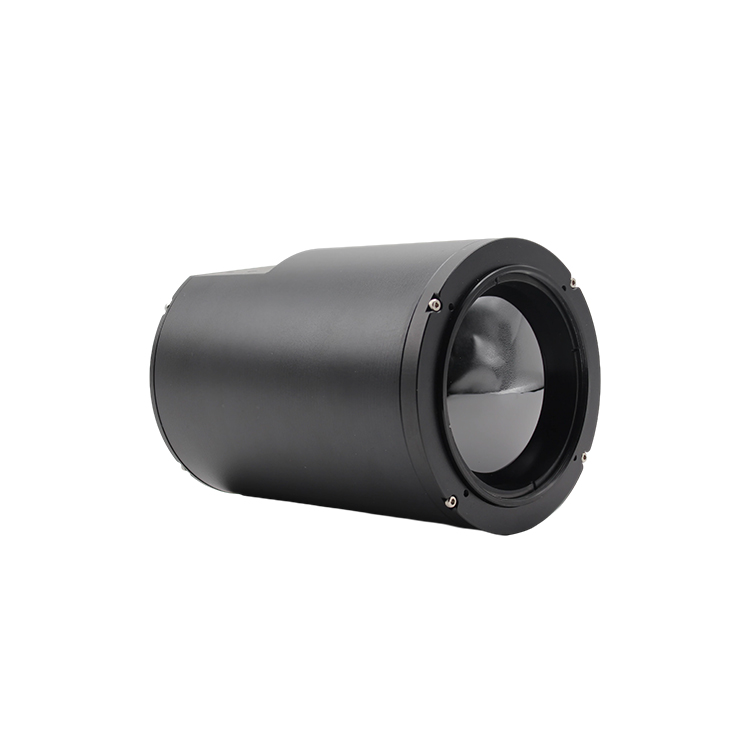
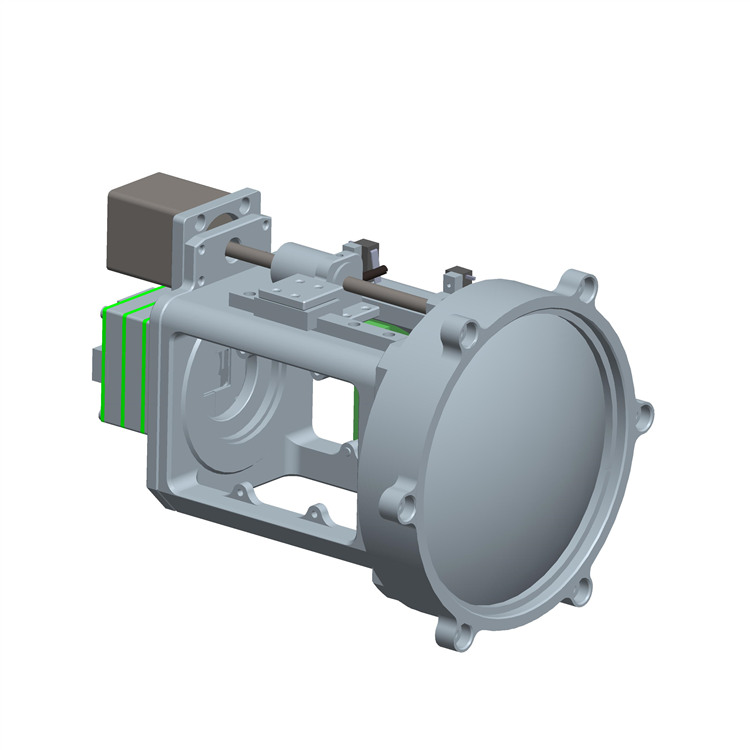
Focal Length广角、常规、长焦多种镜头可选配
Focus Mode手动/电动
Physical Characteristics
Overall Dimension40mm×40mm×65mm(不含镜头)
Weight<100g
Mounting Hole四周各两个 M3×4
Client
Real Time Temperature DisplaySupport
Multiple Temperature Measuring ObjectsSupport
Caution FunctionSupport
Video Recording / Photographing / PlaybackSupport
SDK 开发包
Operating Environment支持 win32 、x64 、Linux(x86/ARM)
数据获取通过回调函数获取 16Bit 温度数据(全码流)

一、上位机运行异常
Possible causes:
The necessary runtime library (EXE or credist_vs2013.x86.exe under the installation software directory) is missing
The software does not support the operating system used (replace the operating system or computer)
二、软件检测不到相机IP地址
Possible causes:
The computer firewall blocks network transmission (turn off the firewall, or add the software to the firewall white list)
The software detects the IP address of the camera, but there is no image output or image jam
Possible causes:
Insufficient bandwidth (check whether the camera network card is gigabit network. It is recommended to use gigabit network. The 100m network camera will automatically reduce the frame rate)
Network card configuration problem (for 100Hz or 200Hz high frame rate cameras, you need to turn on the giant frame function of the network card)
The computer local IP is not in the same network segment as the camera IP (modify the computer local link IP address, which is in the same network segment as the camera, and is not the same as the camera
The software does not support the operating system used (replace the operating system or computer)
四、测温偏差大
Possible causes:
The use environment is beyond the scope of product use (use appropriate cooling measures)
Temperature section mismatch (select the appropriate temperature section for temperature measurement)
五、图像闪烁或出现花屏现象
Possible causes:
The power supply voltage or power does not meet the requirements of the camera (replace the power supply)
Camera hardware failure (return to factory for maintenance)

Previous: Next:
展开更多
免费预约体验课程

loading...

This site is protected by wp-copyrightpro.com

error: 未经授权,请勿拷贝!
WeChat Tel:400-080-4288